
rancher版本:v2.5.17
操作系统:centos 8.4.2105
一、安装longhorn
Prerequisites
- A container runtime compatible with Kubernetes (Docker v1.13+, containerd v1.3.7+, etc.)
- Kubernetes v1.18+
- Make sure
bash,curl,findmnt,grep,awkandblkidhas been installed in all nodes of the Kubernetes cluster. - Make sure
open-iscsihas been installed, and theiscsiddaemon is running on all nodes of the Kubernetes cluster. For GKE, recommended Ubuntu as guest OS image since it containsopen-iscsialready.
第4点:
yum install iscsi-initiator-utils -y
systemctl enable --now iscsid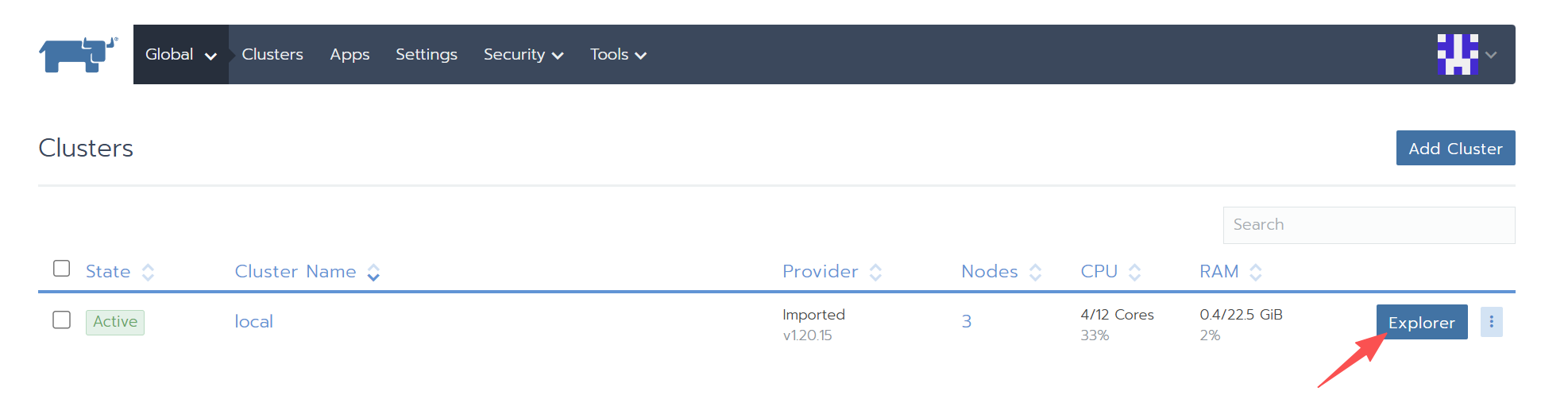
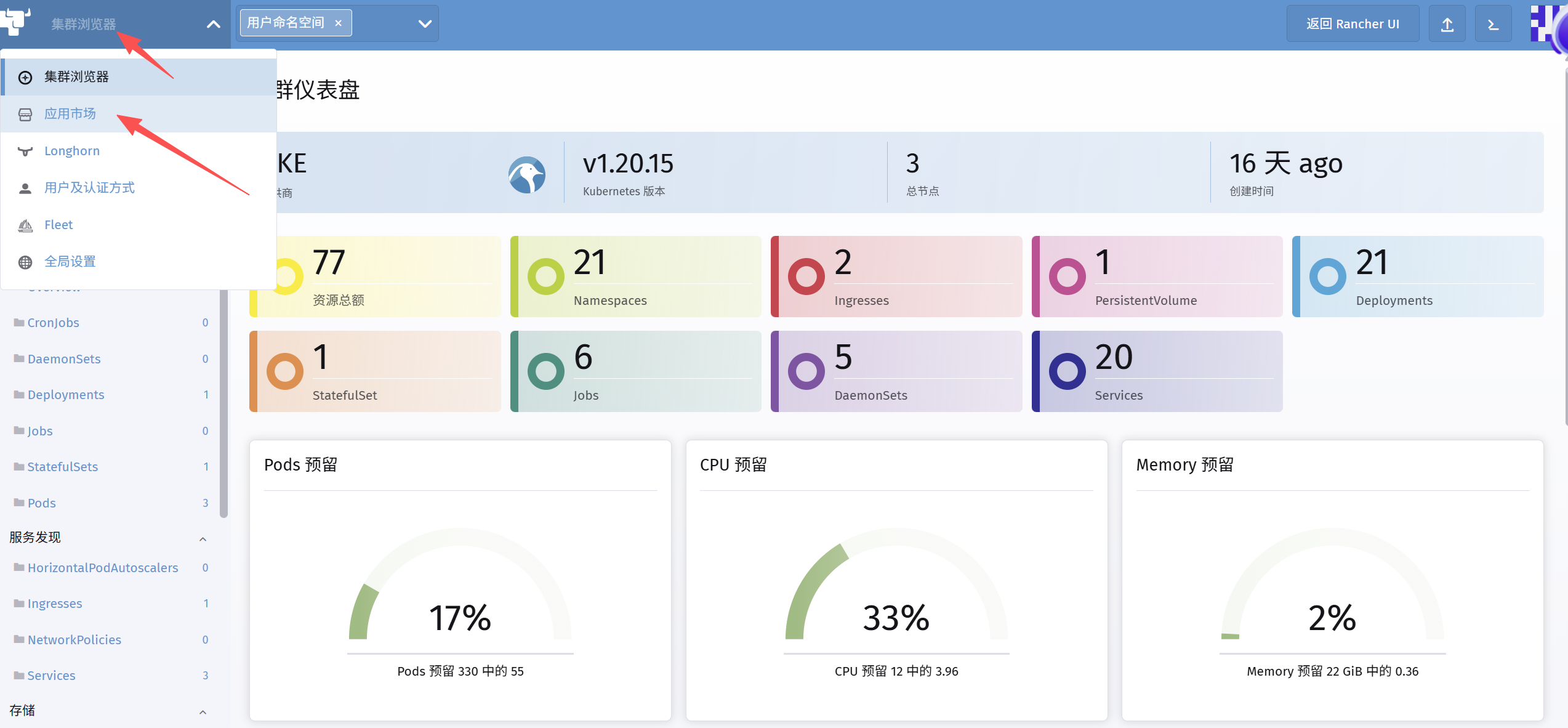
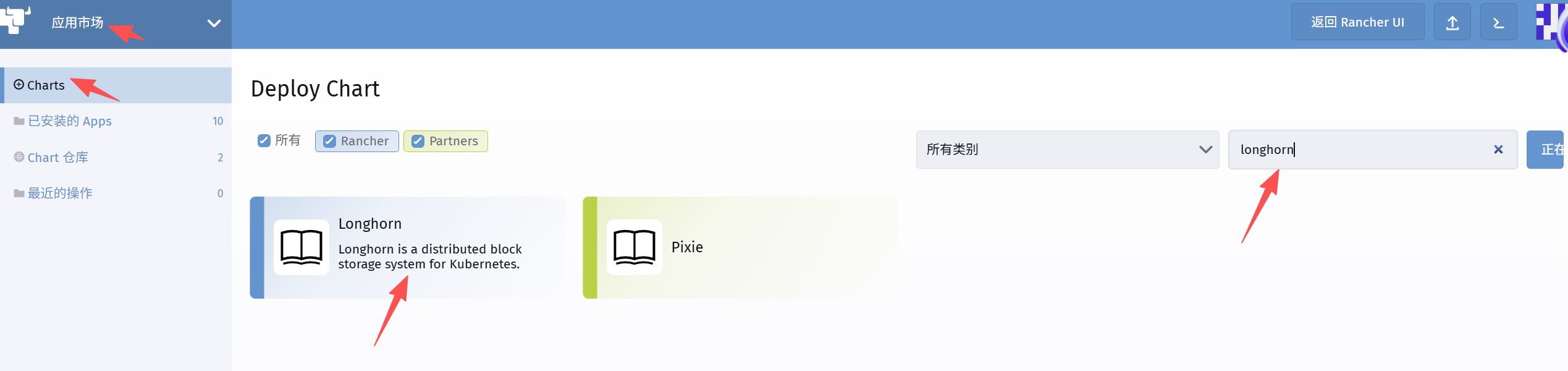
点击“安装”
安装如果失败,可以重试安装,在重试安装之前,先卸载干净longhorn:
helm uninstall longhorn -n longhorn-system --no-hooks --wait --timeout 10mrelease “longhorn” uninstalled
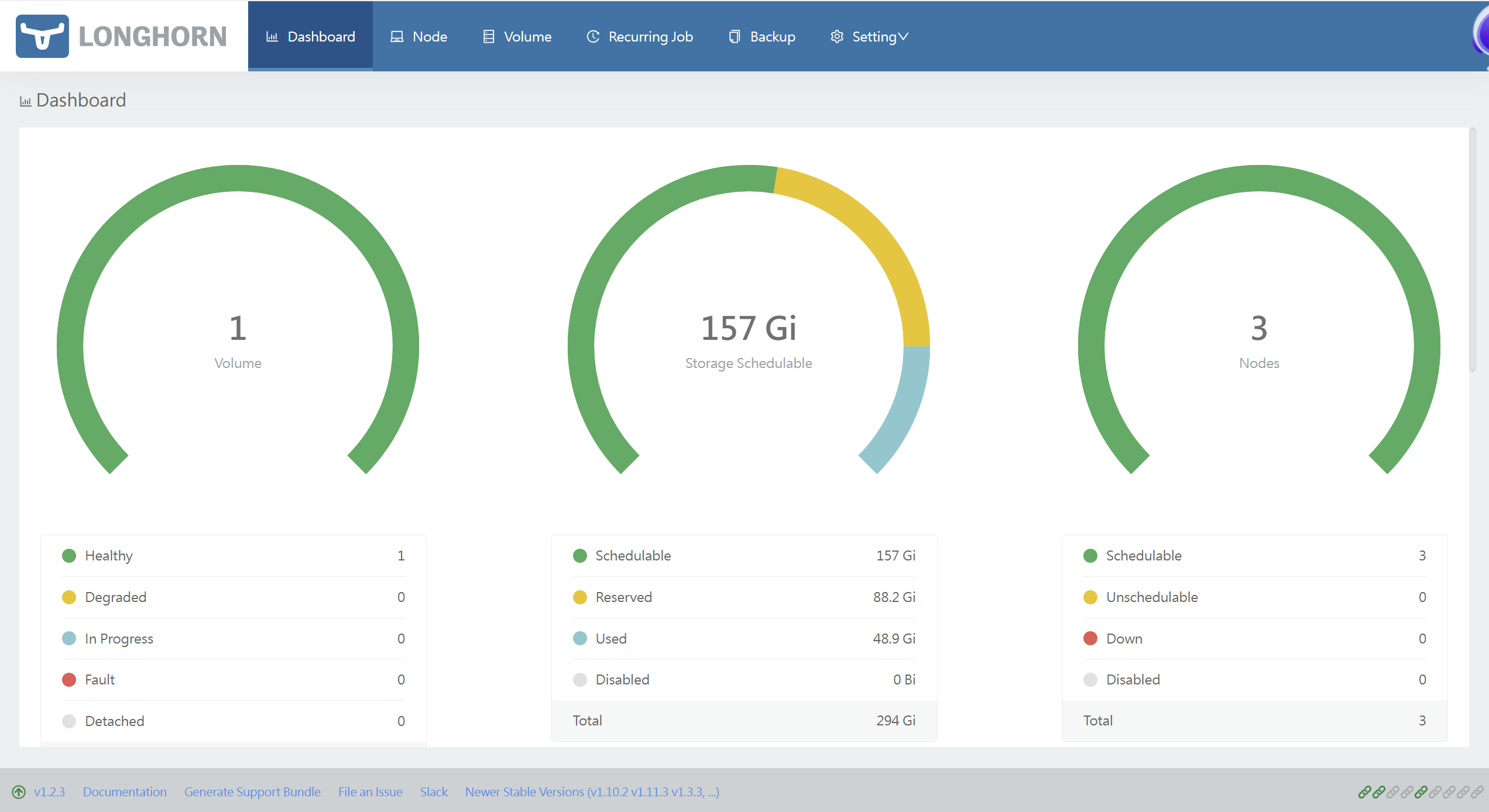
安装完成之后,进入longhorn ui界面查看
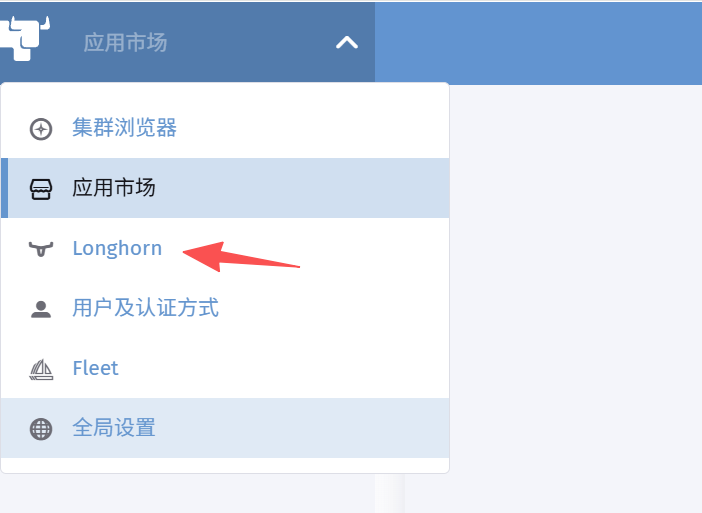
二、使用longhorn

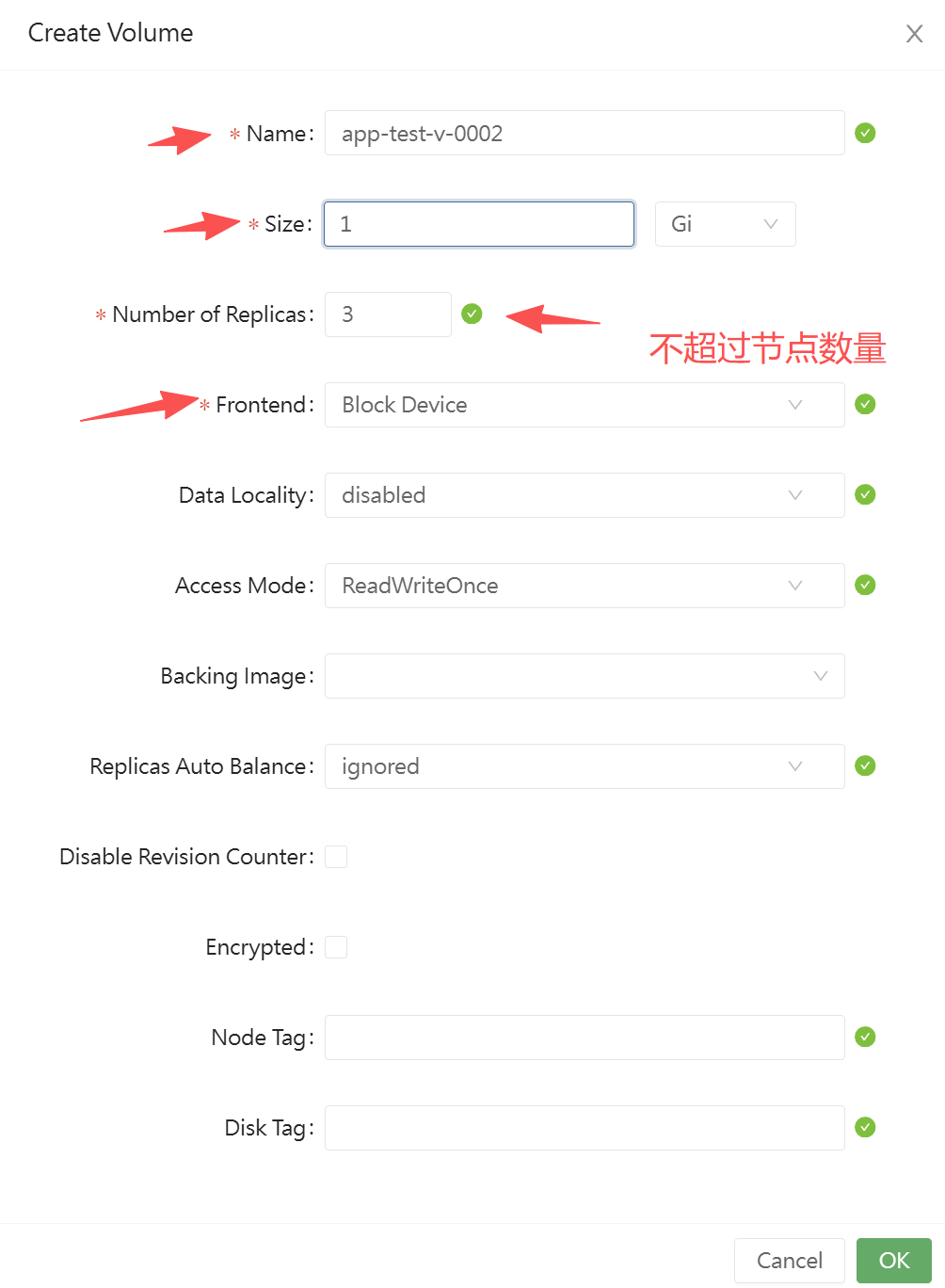
创建完后,状态是Detached,这里不需要手动Attach,记住Name:app-test-v-0002

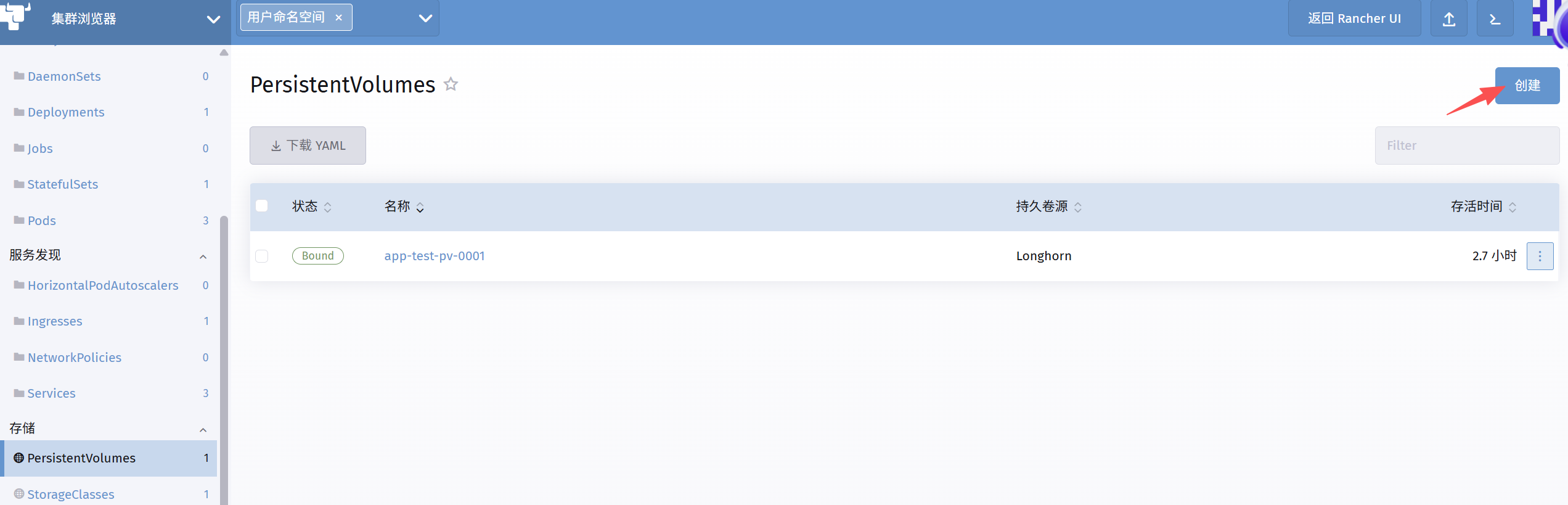
然后,回到:集群浏览器,存储,PersistentVolumes,创建
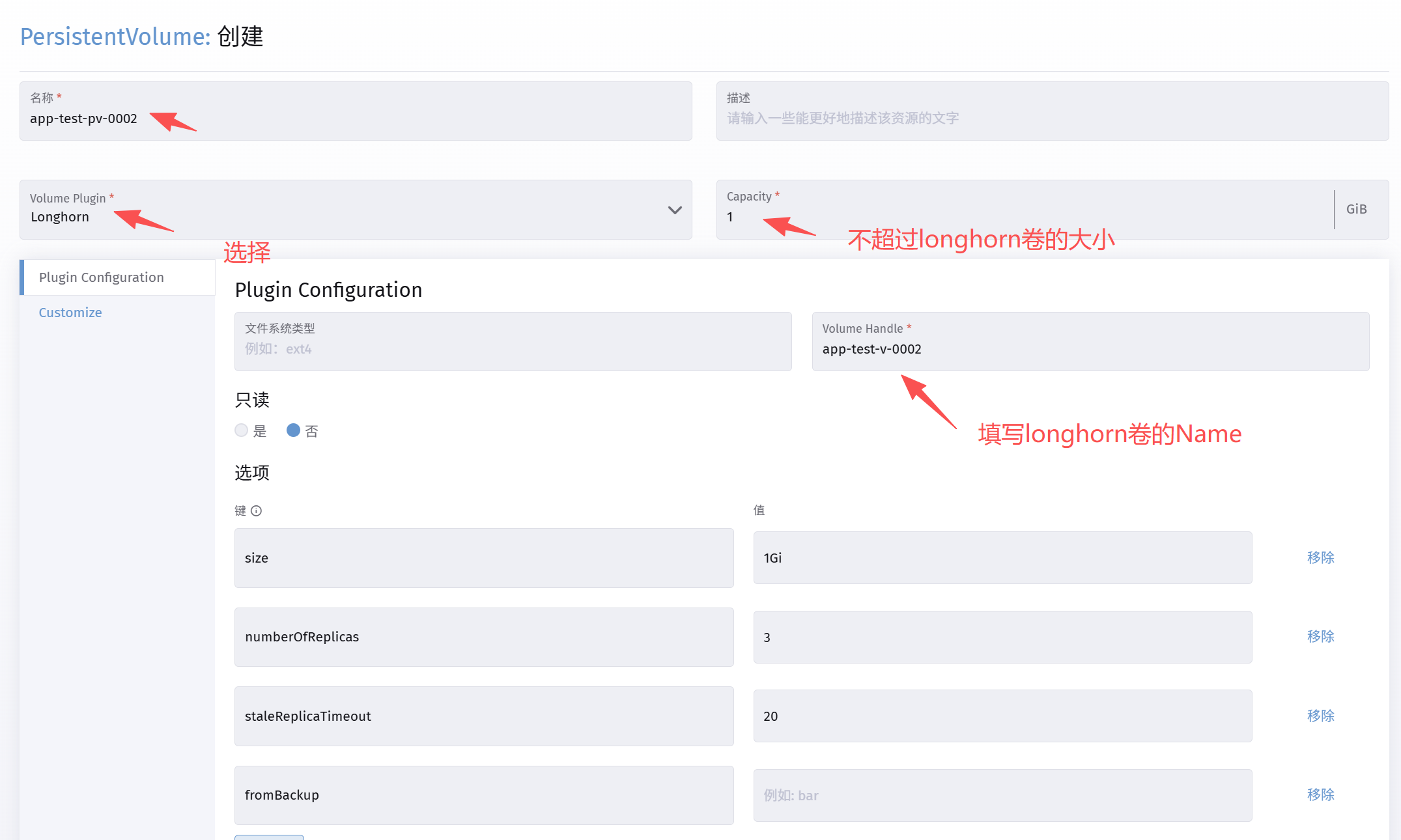
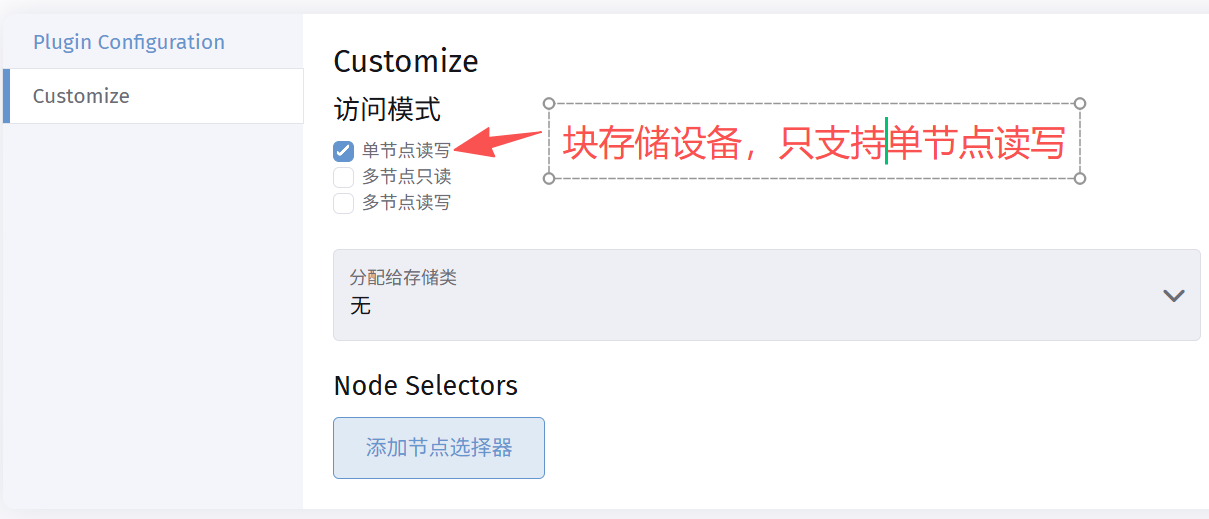
创建pv后,状态是:available
创建pvc(持久卷消费),存储,PersistentVolumeClaims
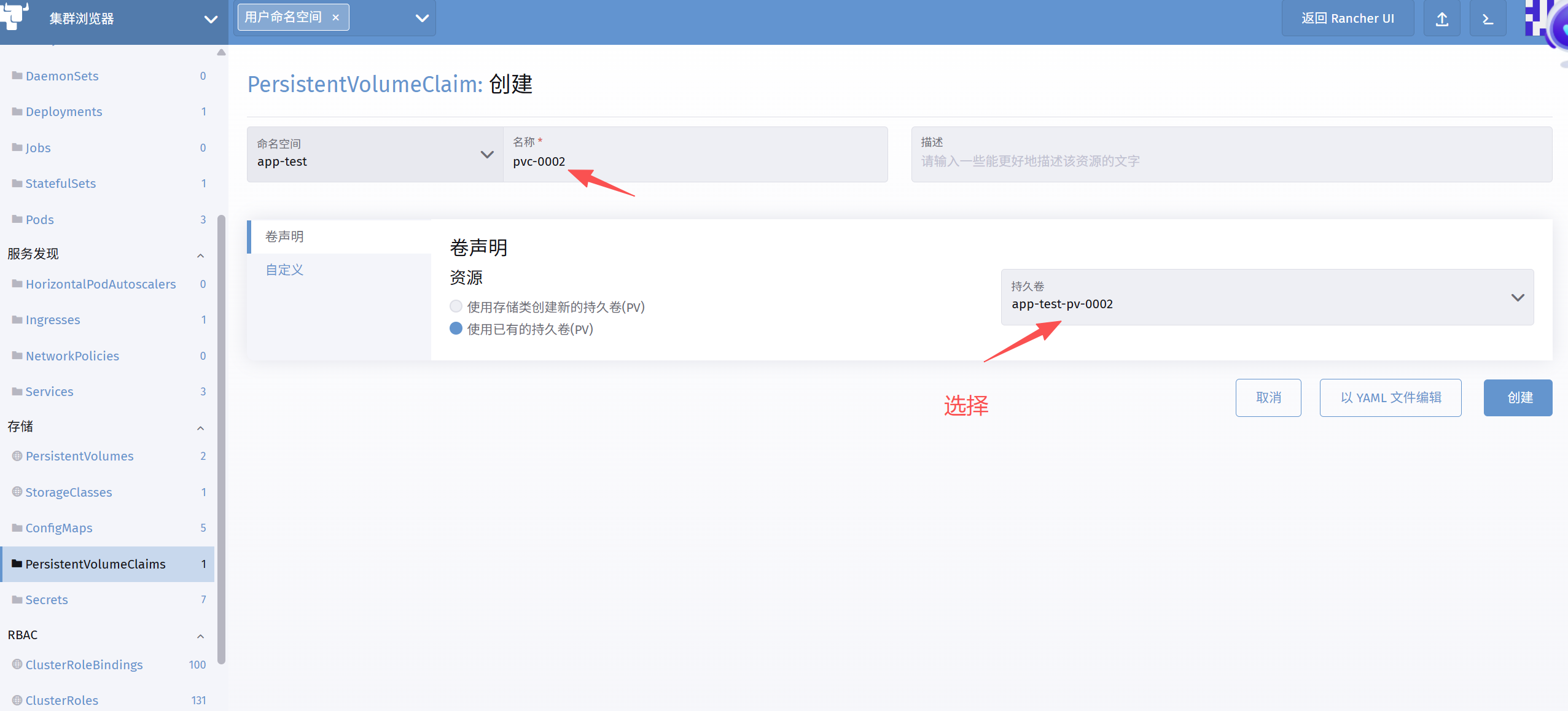
创建完成后,状态是:bound
回到Longhorn ui,查看卷的pv/pvc分配:
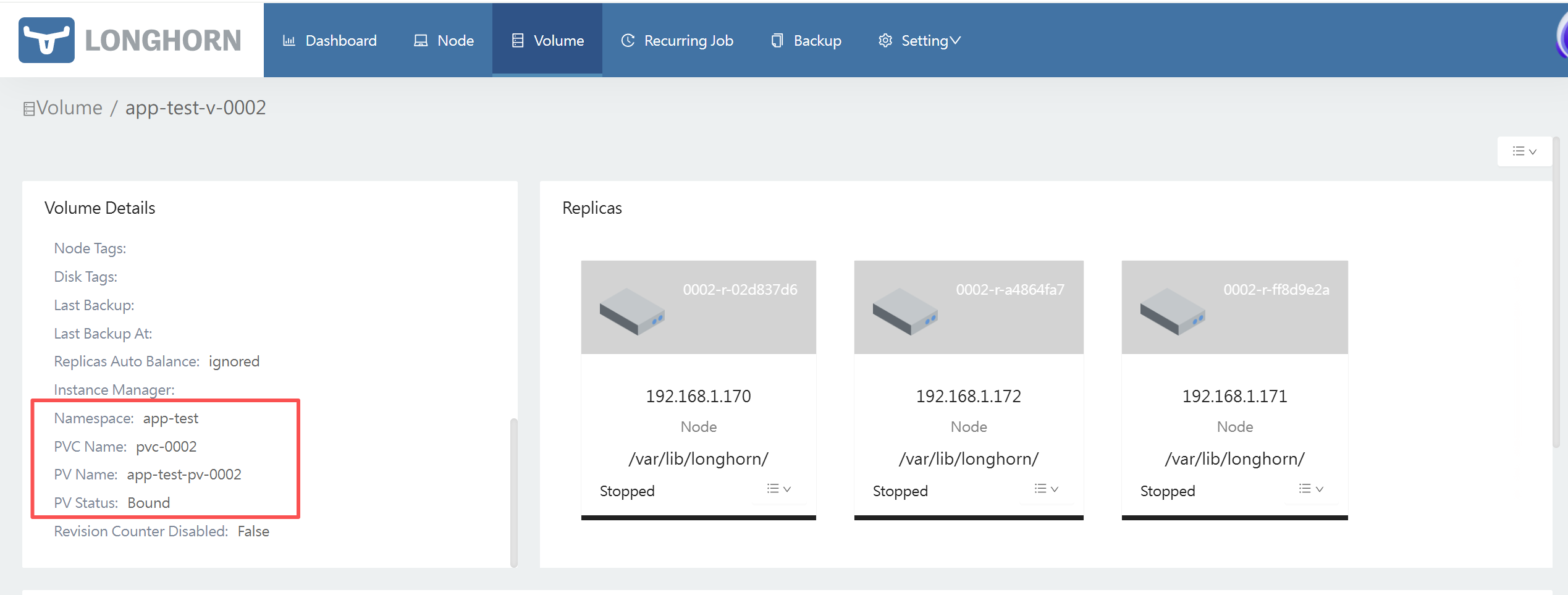
往后,创建depolyment/StatefulSet时候,longhorn的卷会自动附到节点上

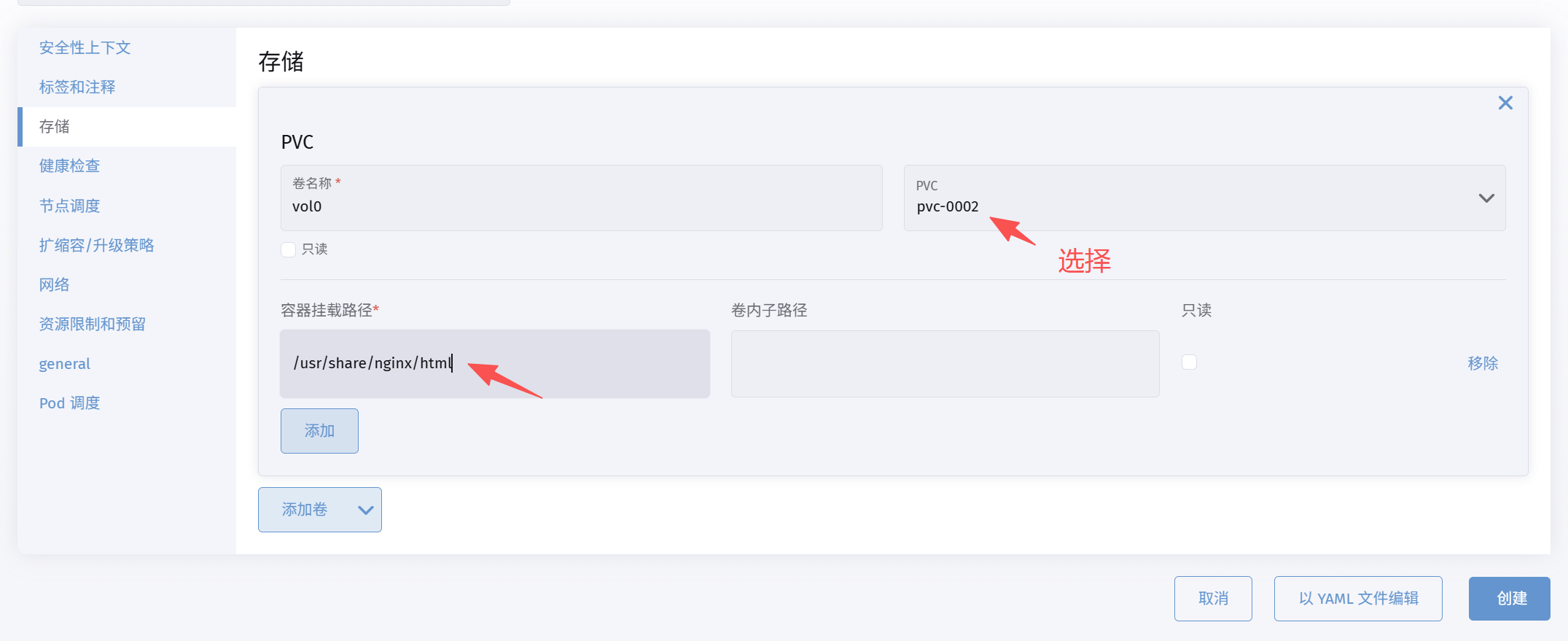
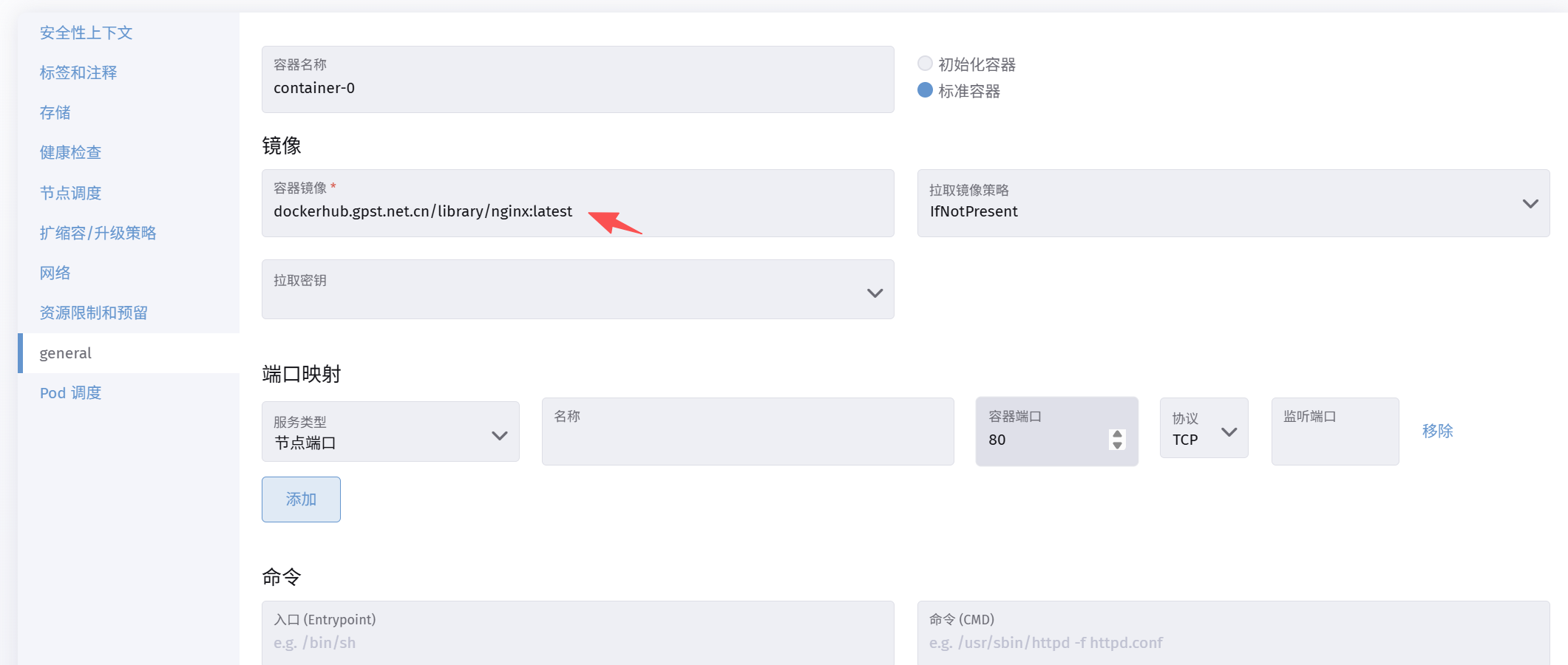
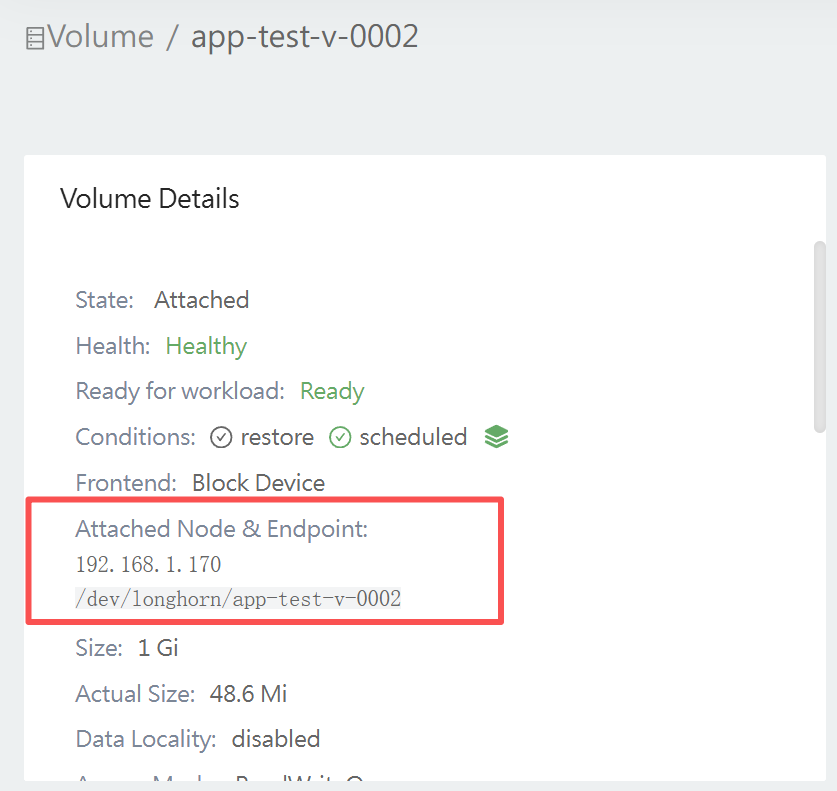
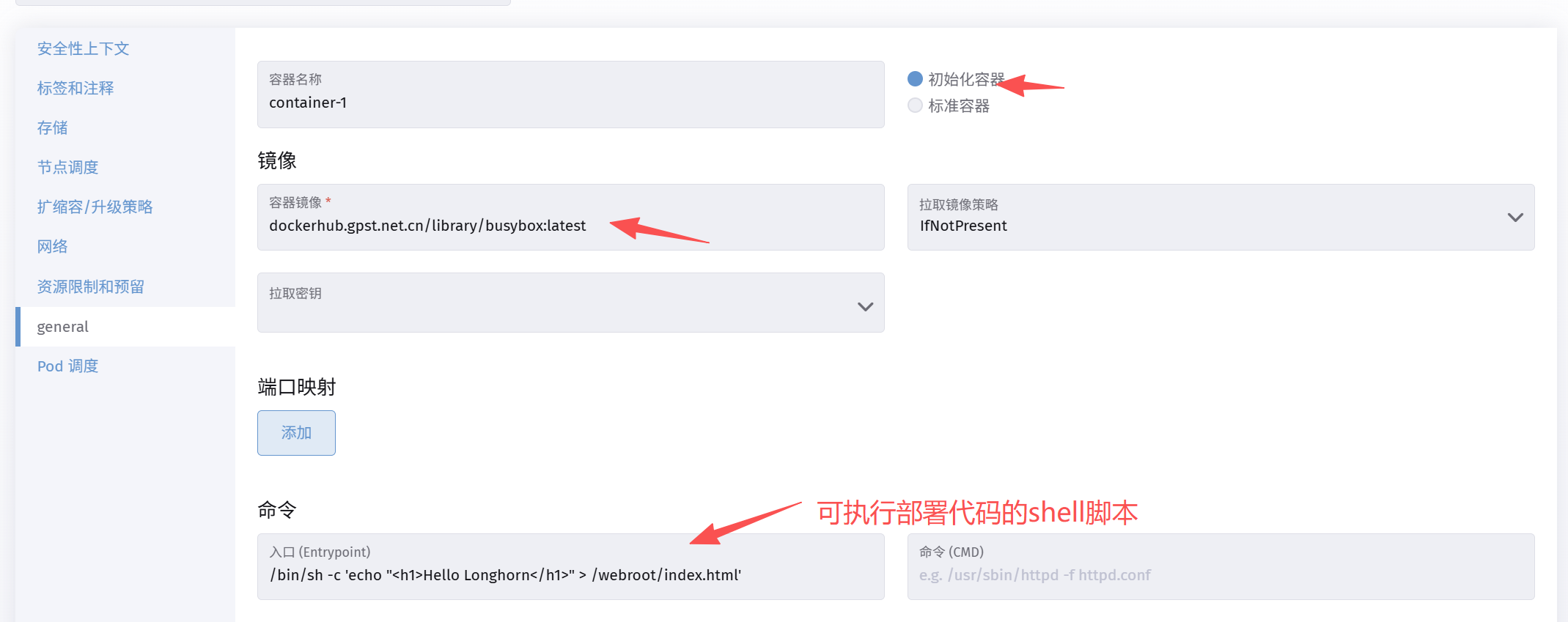
Longhorn 挂载持久卷(PV/PVC)到 Nginx Pod 的 /usr/share/nginx/html 后, 如果您希望每次部署或更新时自动准备好静态页面(适合 CICD 或生产环境),可以使用初始化容器自动导入:
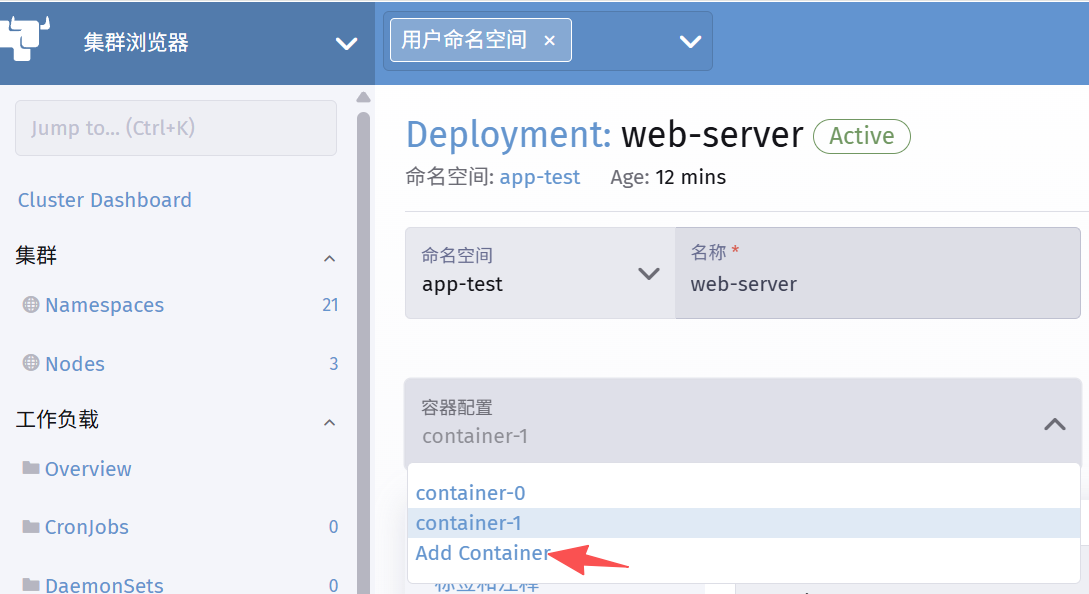
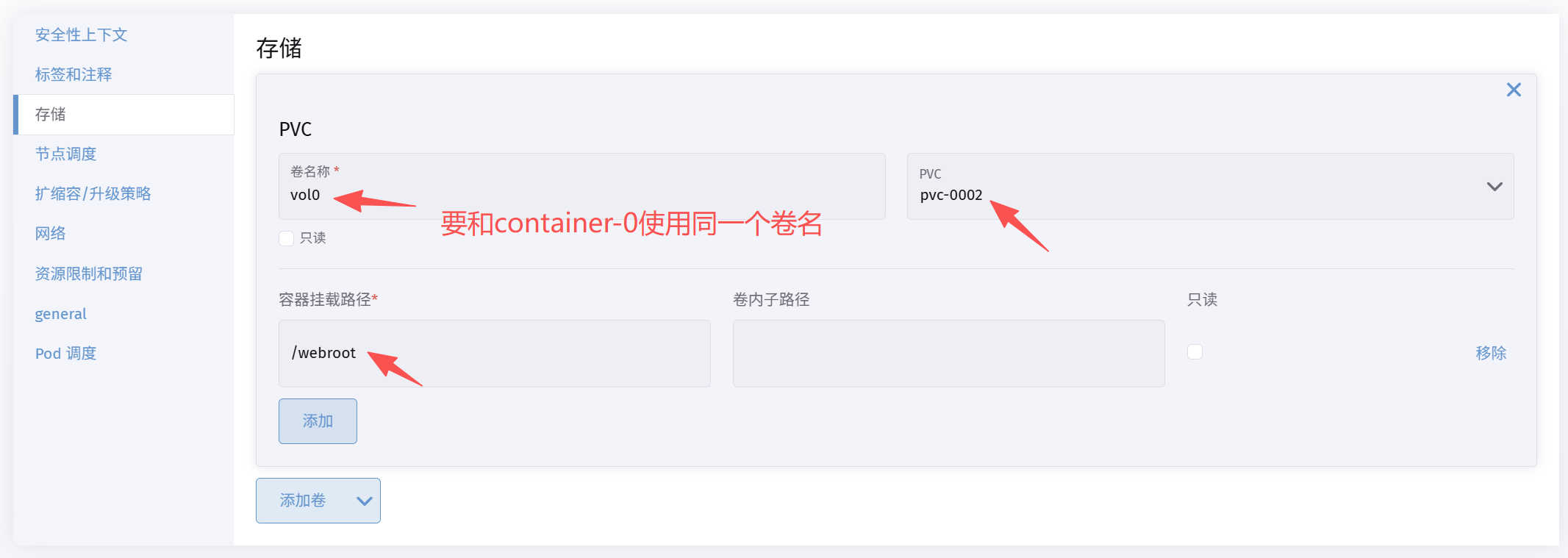
Categories:
docker与kubernetes